Help for Security Administration - My Profile
If you are not in possession of your IDcipherTM card, you are able to generate a new card. Complete the following steps to generate a new card that will be emailed to the email address you provided during registration as part of your user profile. (The IDcipher™ Card will be sent to the email address that is associated with your profile when the request is made).
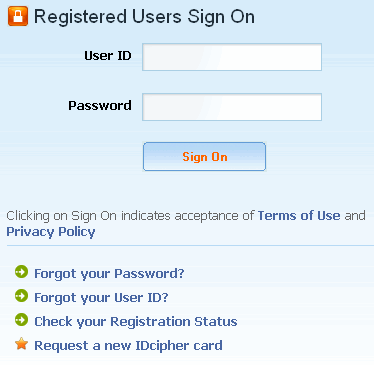
Navigate to the portal sign
on screen.
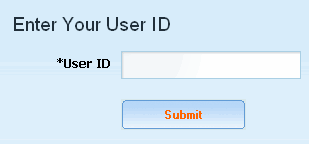
Click Request a new IDcipherTM card. The enter User ID screen is displayed.
Key in your User ID in the open text field.
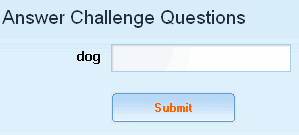
Click Submit. The challenge question screen is displayed.
Key in the answer to your challenge question.
Click Submit. A confirmation screen displays that a new IDcipherTM card has been generated and emailed to you.
RESULT:
You have successfully obtained a new IDcipherTM Card.
(IDcipherTM card is a premium service available for purchase by portal customers. Please contact your Covisint sales representative for details)