
Only community users with selected roles can access PHI Audit. For questions about PHI Audit access, contact your community administrator.
Help for PHI Audit
|
Only community users with selected roles can access PHI Audit. For questions about PHI Audit access, contact your community administrator. |
The method used to access PHI Audit can vary depending on your system configuration. If you are not sure how to navigate to PHI Audit, contact your community administrator.
Perform the following steps to access PHI Audit:
Access your health care community using the URL provided by
your organization. Your healthcare community login page displays.
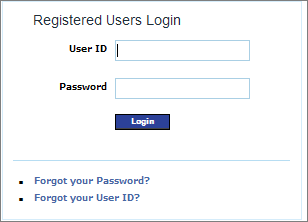
Enter your User ID and Password, then click Login. Your health care community home page displays.
Navigate to the PHI Audit Dashboard screen. For example, click Audit on the community home page navigation bar. The PHI Audit Dashboard window displays.
|
This step can vary, depending upon your system configuration. If you are not sure how to navigate to the PHI Audit Dashboard window, contact your community administrator. |
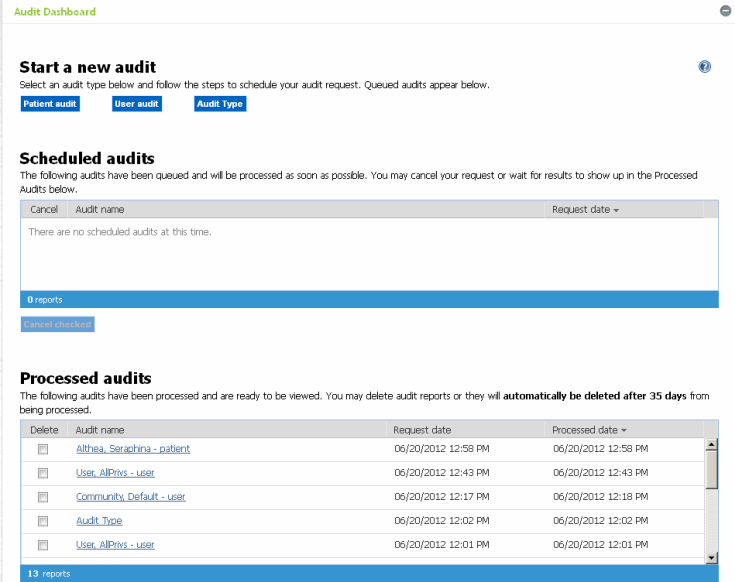
result
You have successfully accessed PHI Audit.