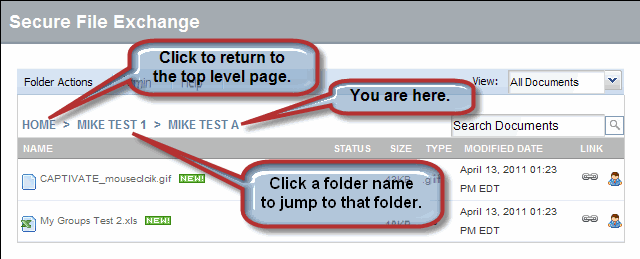
Watch how to navigate the folder structure in SFX>>
Help for SFX - Secure File Exchange
Watch how to navigate the folder structure in SFX>>
 |
Note: Your navigation options can be limited by your assigned roles. If you do not see an option or a screen element described in this user guide, then you do not have the required role. |
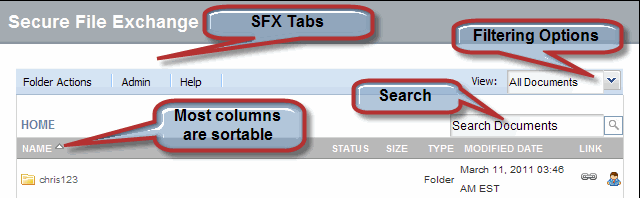
The following screen shot illustrates common SFX window elements.
Navigate to a file by searching for it, or by drilling down into the folder structure.
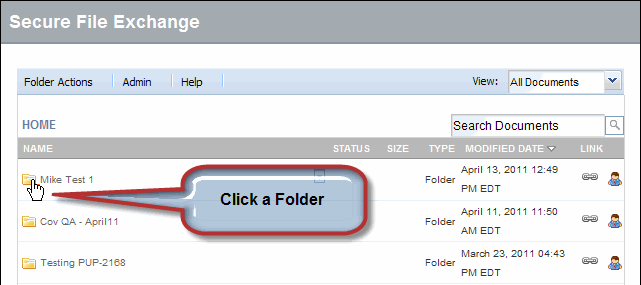
To drill down into the folder structure:
Click a folder
from the Home Page. The folder contents display.
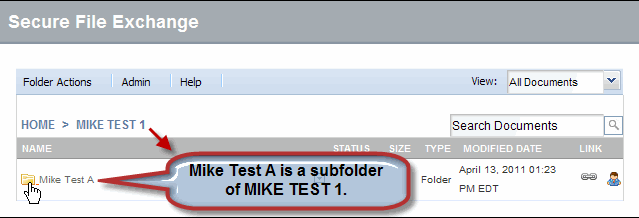
Select subfolders as required.
Click the file you want to view.
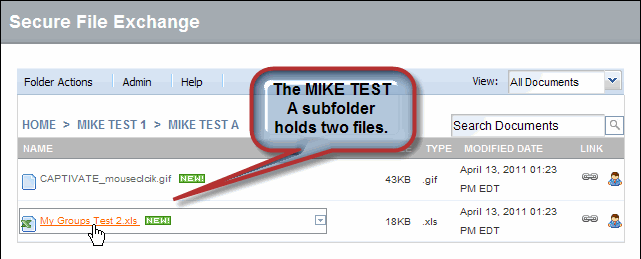
You can quickly navigate to the Home
page or a folder within the current path by clicking the items in
the navigation path, as shown below.