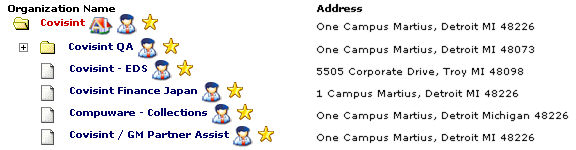
You must first be approved for access to a Partner Portal, as described in Scenario C - New User Access, before you can request access to a sub-package within that portal..
Successful CCA Registration (Manufacturing / Automotive)
|
You must first be approved for access to a Partner Portal, as described in Scenario C - New User Access, before you can request access to a sub-package within that portal.. |
In the URL address bar, enter www.covisint.com. The Covisint Login screen is displayed.
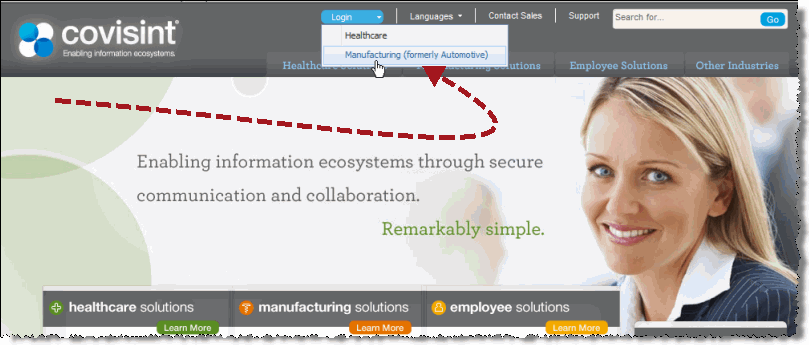
Click Login > Manufacturing (formerly Automotive). The Manufacturing login screen displays.
Enter your User Name and Password.
Click Log In. The logged-in Covisint screen displays.
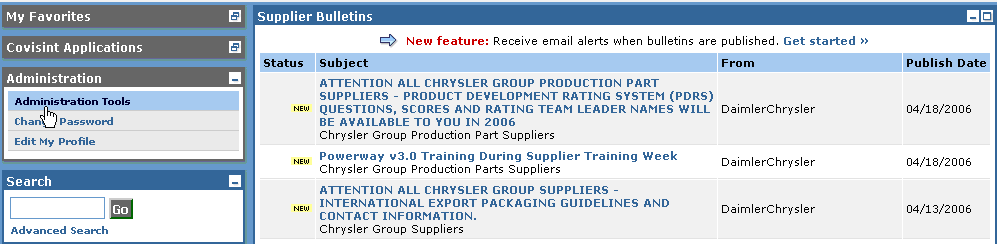
Click Administration Tools. The Covisint Connection and Administration screen displays.

Click Request a service package. The Request Service Package screen displays.

Click request sub-package (application package). The Request Sub-Package screen displays.
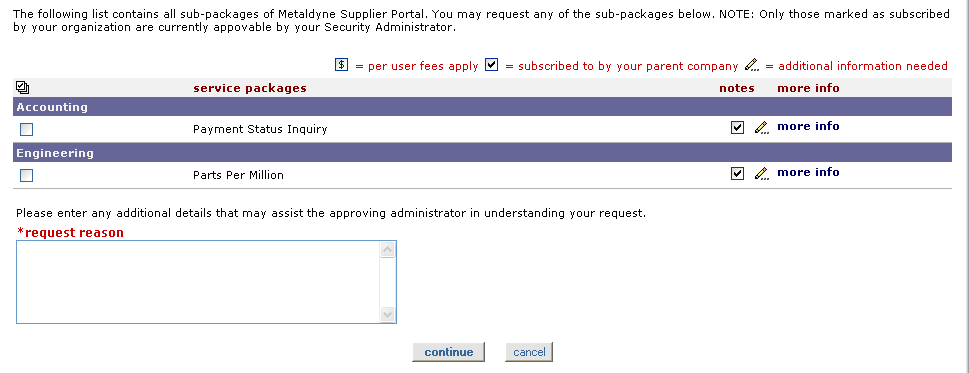
Select the check box of each service package you wish to request.
Complete the request reason field by entering any additional details that may assist the approving administrator in issuing a decision for your request.
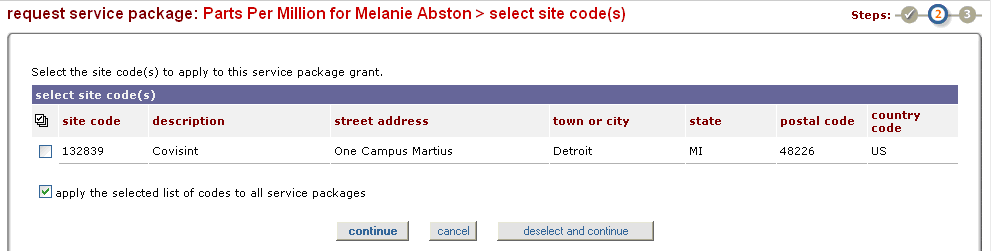
If applicable, select the check box of the site code from which you are registering. Learn more about codes...
If applicable, click Continue.
RESULT:
You have successfully completed all steps necessary to request application sub-packages for a Partner Portal